
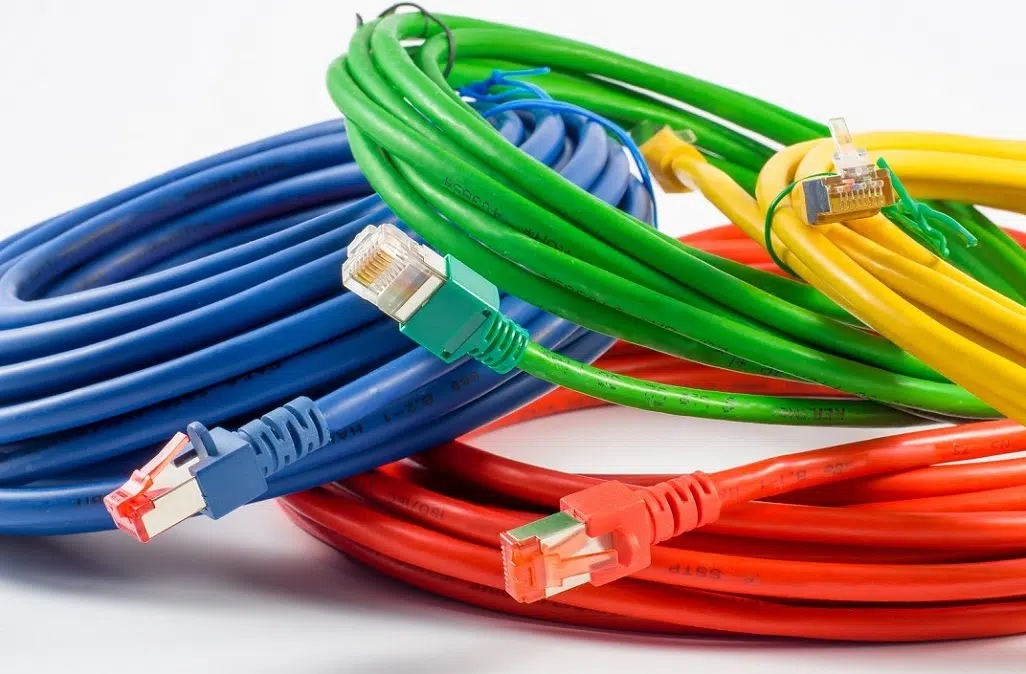
Most people when connecting to their broadband service will use either a wired or wireless connection. If you use the latter you will be using an ethernet cable such as Cat5, Cat5e, and Cat6. With so many different types, price points, and brands, knowing exactly which type of ethernet cable to purchase for your network connection. In this article, we will cover the differences between these cables – particularly, what are the transmission speeds of Cat5, Cat5e, and Cat6 and which one you should use for your network.
Due to the evolution of technology and the greater demand for higher networking speeds, cable and components have been developed that can transmit faster speeds over longer distances. Copper classes and categories were introduced in order that network parameters could be clearly defined and that the appropriate connecting hardware was installed.
There are many differences between CAT5, CAT5e and CAT6 cables; such as performance, type of cable, type of jacket and cost, among others.
When choosing which one to use, one must first consider the amount of bandwidth the cable must support. CAT5 can support up to 10/100 Mbps at a 100MHz bandwidth. However, a newer version of CAT5 cable in the market, CAT5e, can support up to 100/1000 Mbps at a 350MHz bandwidth. In comparison, CAT6 can support up to 1000 Mbps (1GbE) at a 250MHz bandwidth. Better yet, a newer version of CAT6a can offer support for up to 1GbE at a 500MHz bandwidth.
Another major factor that influences the performance is the amount of twist a cable has. While CAT5e cable features one and a half to two twists per centimeter, CAT6 cables are more tightly wound and feature two or more twists per centimeter.
A third aspect is the overall diameter of the cable. Airflow is a major consideration in the data center. As more cable is added to the patching area, it will restrict airflow needed to cool the servers and equipment. CAT6 cable has a thicker diameter around 0.250-inches maximum while CAT5e cable has a smaller diameter around 0.204-inches.
Finally, another major difference is its cost. The price varies by length and brand. In general, CAT6 cables are about 10% to 20% more expensive compared to CAT5e cables.

Which Category Should You Choose?
When you connect to a network – whether it’s for work or play – you want to get the best performance. After all, you want to fully experience what you pay for each month. To do that, you need to make sure that you have the best cables that can handle the highest speeds.
Most routers today support gigabit ethernet, so you’ll want to choose either Cat6 or Cat5e cable because these are the two that will be able to transmit gigabit speeds. If you want to get the most out of your network without interference, system errors, or other performance issues, and want to future-proof as much as possible, you’ll want to stick with Cat6. While the cost may be slightly higher, you’ll get the full support you need to experience the fastest speeds possible today and for the foreseeable future.
